Why publish a meta case study
The most expensive part of evaluating a freelance developer is figuring out whether they actually build what they say they build. Most portfolios solve that problem by listing client logos and asking you to trust the copy. This one solves it by being the thing it sells: every architectural decision is in the source you can inspect from your browser right now.
The brief I gave myself
- Double as proof of what I sell — headless WordPress, Next.js, AEO, multilingual.
- Load fast on a typical UK mobile connection, not just on my laptop.
- Surface correctly in AI Overviews, Perplexity, and ChatGPT Search — answer-engine first, not page-rank first.
- Run without monthly DevOps overhead — one Vercel project, one WordPress host, zero servers I need to babysit.
Architecture
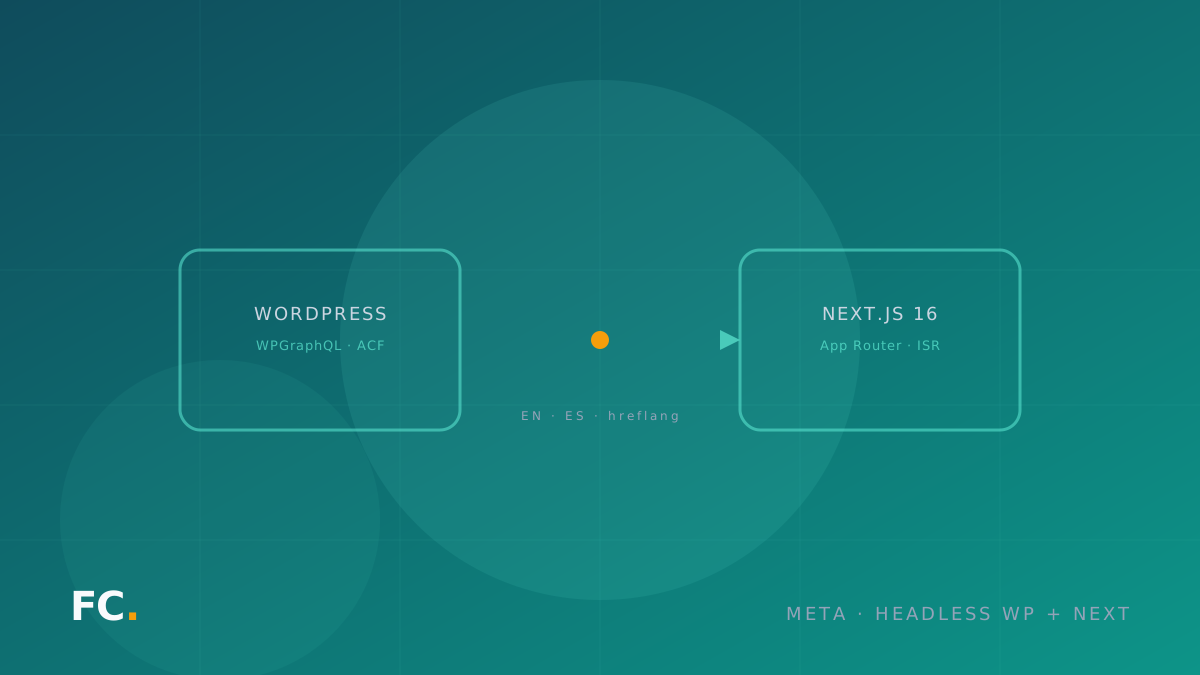
WordPress is the CMS. Posts, projects, services, taxonomies, ACF Pro field groups — all the editorial surface lives there. The frontend is a Next.js 16 App Router build that fetches over WPGraphQL with ISR-flavored revalidation: the content is dynamic to the editor but static to the visitor. The CMS and the frontend can fail independently — if WP goes down, last-good content keeps serving from the edge.
The two systems are joined only by a single server-side env var, and the GraphQL client deliberately drops the NEXT_PUBLIC_ prefix so the endpoint never reaches the browser bundle. That detail matters because the WP install is the only system holding secrets; if it leaked client-side, every other layer would be a false sense of security.
The AEO surface
Every page emits a stack of JSON-LD schemas — Person, WebSite, Service, Article, BreadcrumbList, FAQPage — with stable @id values so crawlers consolidate the site as a single entity, not as a handful of near-duplicate pages. A dynamic /llms.txt route serves the canonical summary that LLM ingestion agents grab when they want the elevator pitch without scraping HTML. The FAQ section on /services is written with literal question-as-heading + concise-answer-below — the exact shape AI Overviews extract verbatim.
i18n done properly
The portal ships in English (UK target market) and Spanish. The <html lang> is dynamic per locale, every page generates alternates.languages with hreflang and x-default, the sitemap emits one entry per URL per locale with paired alternates, and a build-time script enforces parity between the EN and ES bundles — the build fails if a key exists in one and not the other. When the WP-side content isn’t translated (currently the case for project bodies), a discreet “Available in English” banner appears for ES visitors with a direct route swap. No silent fallback.
Performance
Lighthouse 90+ is the floor I commit to on every page. next/image serves AVIF/WebP variants under a per-context sizes hint, the LCP image is fetched eagerly via priority, fonts are subsetted, and most of the site renders as Server Components — the JS bundle that reaches the visitor is a small fraction of what the page contains.
What you can verify in 30 seconds
- View Source on any page — find the
application/ld+jsonblocks and thehreflangtags. - Open
/llms.txtin your browser — that’s the page LLM agents see. - Open
/sitemap.xml— every URL is listed once per locale with alternates. - Switch the locale in the navbar — the URL rewrites, the
<html lang>changes, and the case study you’re on swaps cleanly. - Run Lighthouse on any route from DevTools — see the floor.
What this case study isn’t
It isn’t a client project. It’s the demonstrator I built between client work to make the rest of the offer concrete. If you’re considering a similar build for your own practice or your client’s, the patterns here transfer directly — the WP install is decoupled, the i18n setup is reusable, and the JSON-LD factory is generic enough to drop into any Next App Router project.